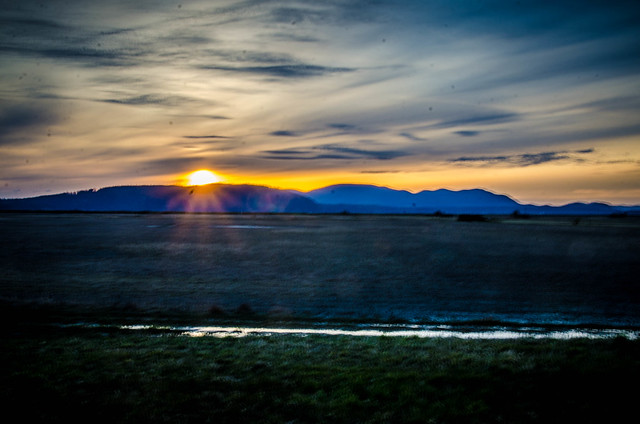
For a Wednesday there was a LOT going on. There were trips back into town and to see more daffodils, as well as new musical and food experiences. Here’s a quick rundown of the day…
A collection of photography and exploration focusing on Upstate South Carolina and beyond.
Since we both work and have no kids, we eat out a lot. I like trying new places, and am happy to pass along my opinions on these new restaurants. For these reviews, I try to stay away from the obvious chains (Chili’s, Applebees, Wendy’s, and other things ending with a long ee sound.) I’m also confining my reviews to the general Upstate area. We’ve had lot’s of fantastic meals on our travels, but I’d rather pass along the cuisine of this area.
This particular Friday was turning out to be a fun, yet busy day. Already I’d reconnected with an old friend at the Carolina Music Museum and had been able to play some fantastic vintage keyboard instruments. Now I was on my way to meet my friend Jeff Bannister for an informal and over-the-top bourbon tasting downtown.
It started with a casual comment by my friend Jeff Bannister on Facebook. He said that Grill Marks restaurant in downtown Greenville was now featuring bourbon flights. I thought it would be a great way to educate myself about bourbon, so I invited myself along. The day turned into a bourbon and music adventure, starting … Read More “Keyboards and Bourbon – Part 1, Keyboards” »
I’m about at the end of my Irish pub round-up. Today’s post covers three in North Carolina, then some conclusions about the Irish pubs in the region. Dugan’s Pub Dugan’s Pub was actually the first pub I visited when I started this project. I headed up to Brevard and did a bit of searching for … Read More “An Irish Pub Roundup – Part 4, Brevard to Asheville” »
I was on a mission to find a true, authentic Irish pub in our area. I had made a list of possible targets and had already visited several. I’m actually writing about them out of order of visit so that I can group them more conveniently. In this post I take a look at the pubs here in Greenville.
I’ve played lots of Celtic music sessions lately, but only one of those has been in an “Irish” pub. This struck me as a bit…weird. So I started wondering. Our area seems to have lots of Irish Pubs. What’s happening with those pubs? Are they truly “Irish Pubs?” For that matter, what really makes a pub Irish? To answer these questions I decided to do a regional pub crawl and see what each of these has to offer.
For a Wednesday there was a LOT going on. There were trips back into town and to see more daffodils, as well as new musical and food experiences. Here’s a quick rundown of the day…
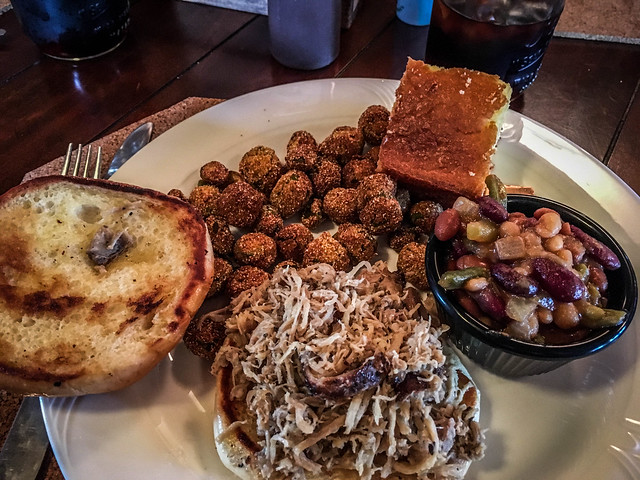
I’ve been on the hunt for something in the Pacific Northwest almost as elusive as Sasquatch. I’ve been searching for some good Southern BBQ. We’re talking pulled-pork goodness with the right seasonings and sauces, served up on a bun with appropriate side dishes. It’s an expensive endeavor, but I think I may have found evidence that this cryptofood does, in fact, exist up here.
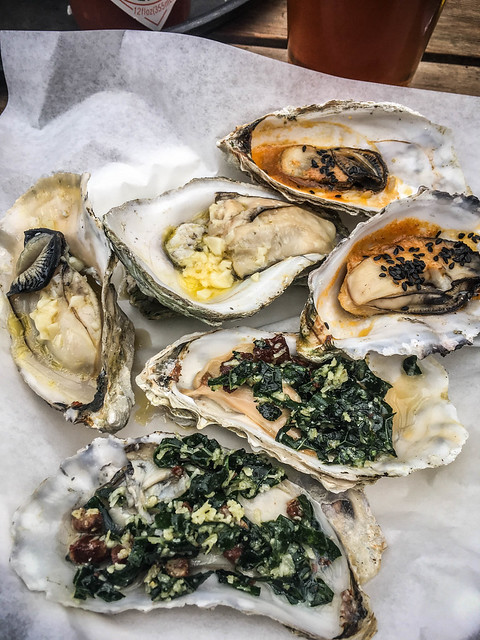
Duff McDaniel loves oysters. After an initial repulsion when I was younger, I’d had a take-it-or-leave-it attitude. In recent years I have developed a liking for them, though, so when Duff suggested that we take part in the Oyster Party at Slough Food in Edison, it sounded like a great idea.
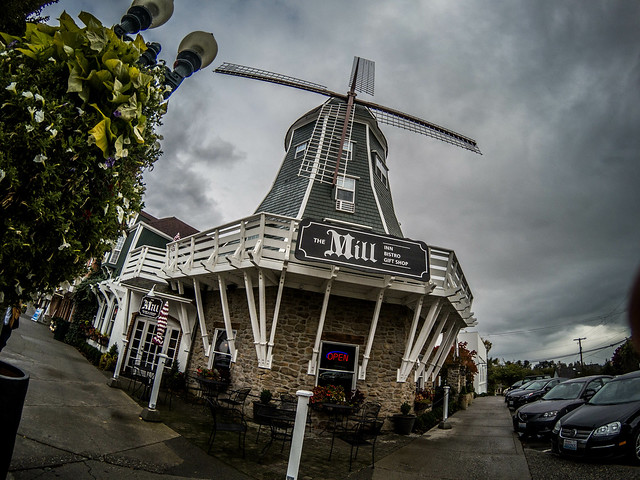
I was still on a quest to find a good German restaurant. The Schweinhaus in Bellingham had good sausages and sauerkraut, but was missing some components (like a roof.) After expanding my search area I came across Gretchen’s Delights in Lynden. Laura was busy with Furman work, so I decided to head out to see if this would fit the bill. TLDR; version – It didn’t.
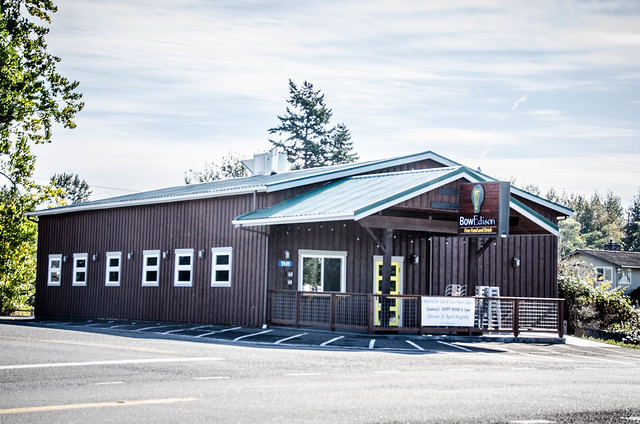
It was a Saturday night and we were ready for a date night. After considering the many possibilities, Laura made us reservations at the BowEdison.